JPG to PDF converter that never uploads your files
Turn one photo or a whole stack into a clean PDF in about three seconds. Everything happens in your browser, so your images stay on your device.
- No upload: files are processed on your device
- No watermark, no account, no page limit
- Merge many images into one PDF, in any order
- Works on Android and iPhone, even offline
Convert images to PDF
On-deviceDrop your images here
JPG, JPEG or PNG · one image or many
Your files never leave your device.
ID document presets
One tap sets the right size and quality for KYC and application portals.
Your images
Drag to reorder
Multiple images will be merged into a single PDF in the order shown above.
What is jpgtopdf?
jpgtopdf is a free, browser-based JPG to PDF converter. It turns JPG, JPEG and PNG images into a PDF directly on your phone or computer, so your files are never uploaded to a server. There is no watermark, no sign-up and no page limit. To convert, add your images, drag them into order, pick a page size (A4, Letter, Legal or fit-to-image), and press Convert. The PDF is ready in about three seconds.
- Input formatsJPG, JPEG, PNG (mixed batches allowed)
- OutputOne standard PDF, one image per page
- Page sizesA4, Letter, Legal, fit to image
- PrivacyProcessed in-browser; nothing is uploaded
- PriceFree. No watermark, no account
- DevicesAndroid, iPhone, Windows, Mac, Linux; offline after first load
People use it to turn a photo or a scan into a PDF for a college form, a rent receipt, a warranty claim or a KYC upload. Use it as a JPG to PDF converter online for a single photo, to merge JPG to PDF from a dozen images, to keep JPG to PDF high quality for print, or to compress JPG to PDF when a portal has a strict 1–2 MB limit.
More free PDF & image tools
Resize photos in KB, shrink PDFs for upload limits, unlock e-Aadhaar and more. All on your device, all free.
- Resize image in KBAny photo to an exact size in KB.
- Compress PDF to 200 KBShrink scanned PDFs for upload limits.
- Signature resizeSignature to 10–20 KB, white background.
- Passport size photo3.5×4.5 cm photo and A4 print sheet.
- PAN card photo resizePhoto under 20 KB, signature under 10 KB.
- Aadhaar PDF passwordOpen and unlock your e-Aadhaar PDF.
- Split PDFExtract pages or split into files.
- JPG to WordPhoto of a document to editable .docx.
How to convert JPG to PDF in 4 steps
No account, no email and no cookie wall between you and your PDF.
Add your images
Drag and drop, pick from your gallery, or tap Camera to photograph a document. JPG, JPEG and PNG all work.
Put them in order
Adding several images? Drag them into the order you want. Page one stays page one.
Choose size and quality
A4, Letter, Legal or fit-to-image. Pick "Smallest file" if a form has a strict size limit.
Convert and download
Press Convert. Your PDF is ready in about three seconds to download or share on WhatsApp.
Everything you need, nothing you don't
A focused tool that does one job well, on any device.
Nothing leaves your device
The conversion runs in your browser. Your files are never uploaded anywhere, not even to us.
Many images, one PDF
Drop in a stack of photos, drag them into order, and get a single PDF. No page limit.
Built for your phone
Snap a photo or pull one from the gallery. Thumb-sized buttons, no app to install.
Fits any size limit
Three quality levels and three file-size levels. Re-convert in seconds without re-adding images.
ID document presets
One-tap settings for Aadhaar, PAN, passport and driving licence uploads.
Works offline
Install it to your home screen once, then convert with no signal at all.
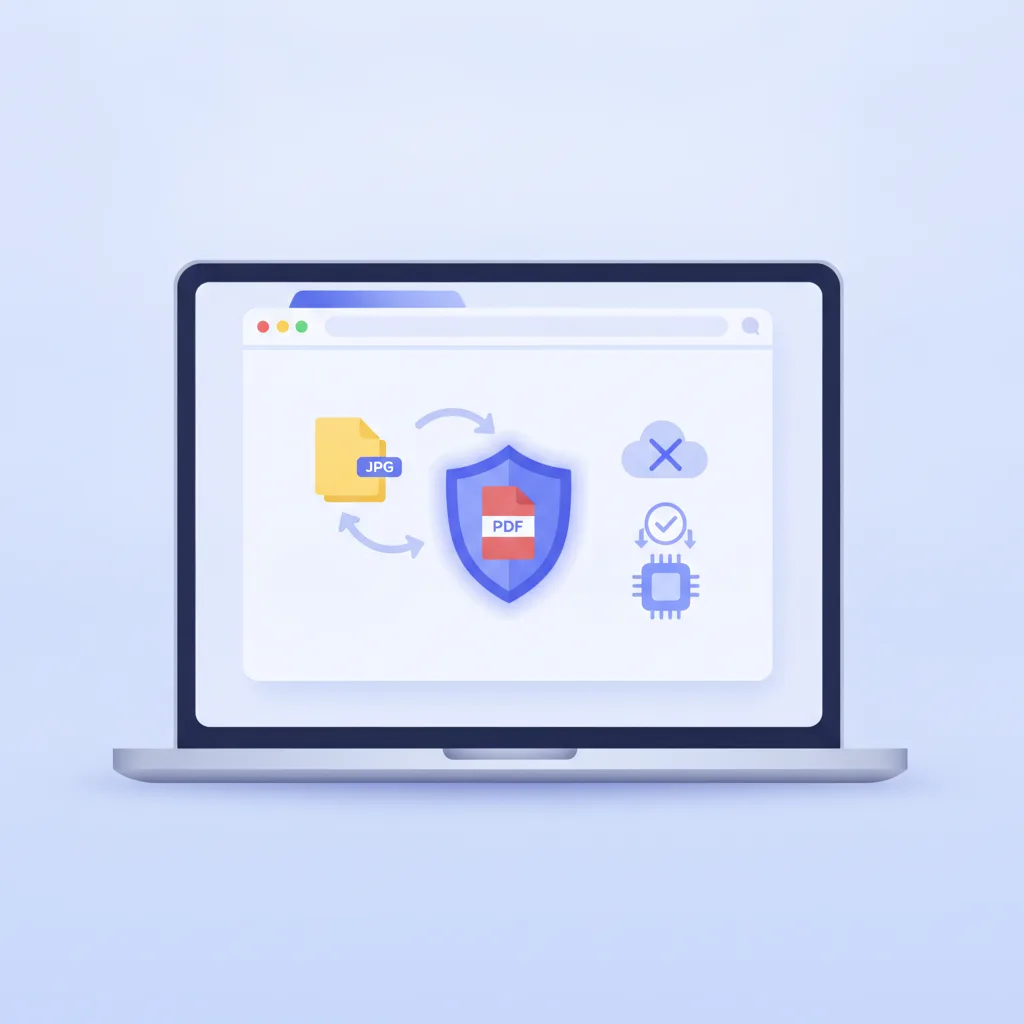
Is it safe to convert JPG to PDF online?
With jpgtopdf, yes, because your file never goes online. Most online converters upload your image to their server, convert it there, and promise to delete it within an hour. That is less reassuring when the image is your Aadhaar card, a bank statement or a passport scan.
jpgtopdf works the other way round. The PDF is built inside your browser, on your own device, using the open-source jsPDF library. There is no "deleted after 60 minutes" countdown, because the file never arrived anywhere. You can check this yourself: load the page, switch on airplane mode, and convert.
A useful side effect is speed. There is no upload bar and no download wait. The slowest part is deciding which photo goes first.
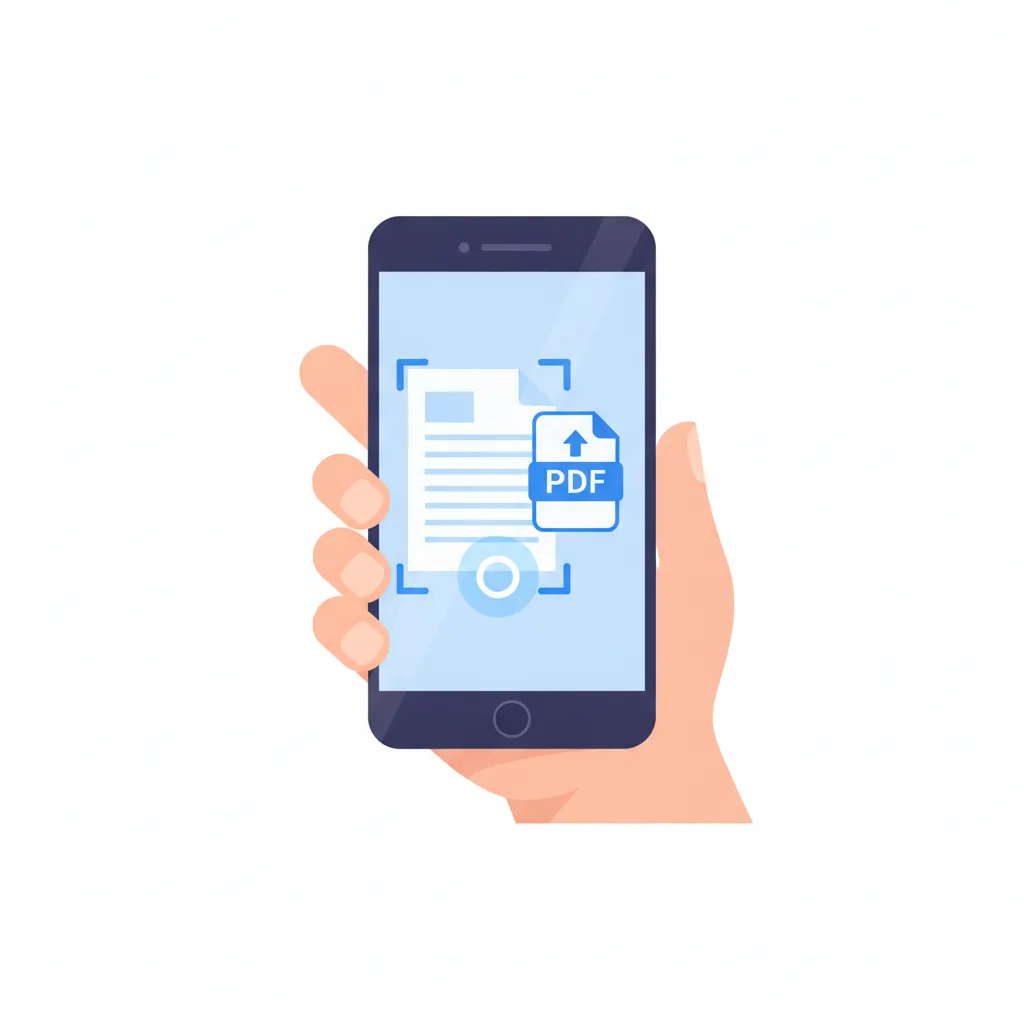
How do I convert a JPG to PDF on my phone?
Open jpgtopdfmobile.com in Chrome or Safari, tap Open files or Camera, then tap Convert. It works on Android and iPhone with no app from a store, and the buttons are sized for thumbs.
When the PDF is ready, send it straight to WhatsApp. No saving to Downloads, hunting through a file manager and attaching it again. Convert, share, done.
Add it to your home screen once and it installs as an app, so the next conversion works on a train or in the basement of a government office with no signal. Prefer bigger buttons? Try the dedicated mobile JPG to PDF converter or use your phone as a PDF scanner.
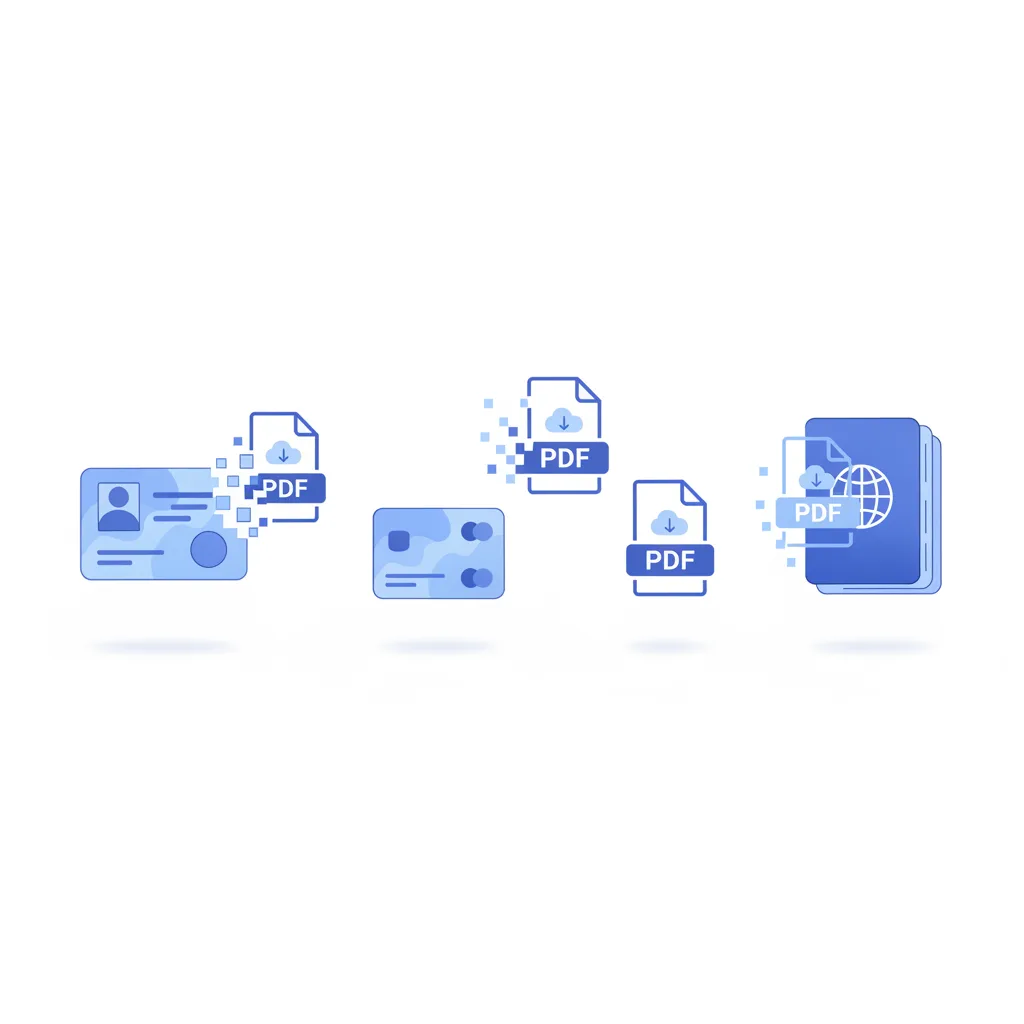
How do I convert Aadhaar, PAN or a passport photo to PDF?
Tap the matching preset in the converter, add the photo, and press Convert. Each preset sets the page size and quality that KYC and application portals usually expect, so the document stays legible and under the size limit.
A KYC portal wants your Aadhaar clear and small. A tax form wants your PAN card readable. A visa application is strict about passport photos. You can still override every setting; the preset just means you are not guessing at 11pm before a deadline.
Each document has its own page with a file-size picker and a guide: Aadhar card JPG to PDF (front and back merged) · PAN card PDF maker (under 300 KB for NSDL and UTIITSL) · passport photo and pages to PDF.
jpgtopdf vs a typical online converter
The rows where it is genuinely different, and the rows where everyone is the same.
| Feature | jpgtopdf | Typical online converter |
|---|---|---|
| Where your file is processed | In your browser | Uploaded to a server |
| Upload and download wait | None | Two progress bars |
| Take a photo right now | Yes, camera button | Usually upload only |
| Works with no internet | Yes, installs as an app | No |
| Aadhaar, PAN, passport presets | Yes | Generic only |
| Price, watermark, sign-up | Free, none, none | Often one of those |
| Edit text inside the PDF | No | No |
When is jpgtopdf not the right tool?
A converter that tells you when to use something else is rarer than it should be. Skip this tool if:
- You need to edit the words in the document. This turns a picture into a PDF; it does not read the text. For a searchable PDF you want OCR.
- You are converting a 400-page scanned book. The browser handles big batches, but past a few hundred high-resolution pages a desktop app is saner.
- Your file is already a PDF and you want it smaller. That is a compress-PDF job, not a convert job.
Questions people actually ask
How do I convert a JPG to PDF for free?
Drop your image into the converter at the top of this page, choose a page size, and press Convert. The PDF is ready in about three seconds. It is free with no catch: no account, no watermark, no "upgrade to download" wall.
How do I combine multiple JPGs into one PDF?
Add all the images at once. They appear as a list you can drag into order. When you convert, they become one PDF, one image per page, in exactly the order you set. See the full merge JPG to PDF guide.
Does converting a JPG to PDF reduce the quality?
Only if you ask it to. Set quality to High and the image goes into the PDF looking the same as it came out of your camera. Medium and high compression trade a little sharpness for a smaller file, which helps when an upload form has a size limit.
Is it safe to convert a JPG to PDF online?
With this tool, yes, because nothing goes online. The conversion runs inside your browser, so your image is never uploaded to a server. For an Aadhaar card or a bank statement, that difference matters.
How do I convert a JPG to PDF on my phone?
Open this page in your phone browser, tap Open files or Camera, then Convert. It works on Android and iPhone with no app to install, and you can share the PDF straight to WhatsApp. There is also a dedicated mobile converter.
Which file formats can I convert to PDF?
JPG, JPEG and PNG, and you can mix them in a single batch. A standard PDF comes out every time, readable on any device.
My PDF is too big for the form. How do I shrink it?
Set File size to "Smallest file" and convert again. You do not need to re-add your images. Most portals want files under 1 to 2 MB, and high compression usually gets you there. More tips in the compress JPG to PDF guide.
Can I convert Aadhaar, PAN or passport photos to PDF?
Yes. There are presets for Aadhaar cards, PAN cards, passport photos and driving licences that set a sensible page size and quality.
Does jpgtopdf work without internet?
Yes, once the page has loaded. Add it to your home screen and it installs as an app you can open offline. The conversion never needed a server, so losing signal changes nothing.
Pick the right tool for your job
Ready to make your PDF?
Free, private, and done in seconds. Your images never leave your device.
Convert JPG to PDF now